
Overview
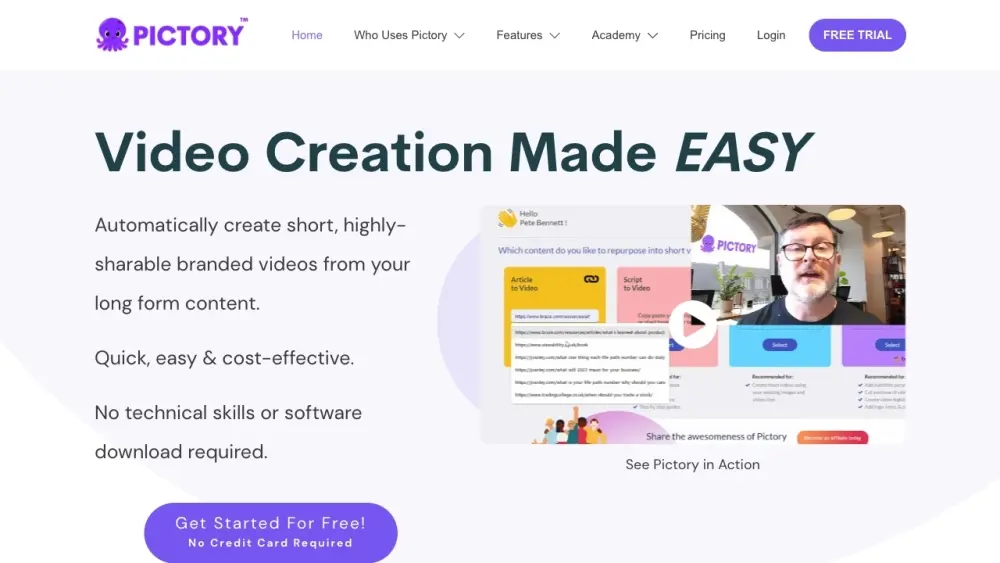
What if you could turn a blog post or a script into a professional video in minutes, without any editing experience? Pictory is an AI video generator that does exactly that, automating the complex process of matching text to visuals, voiceovers, and music to democratize video creation for marketers and educators.
Key Features
- Script to Video: Automatically generates a complete video from a text script, complete with synchronized AI voiceovers, relevant stock footage, and fitting background music.
- Blog to Video: Transforms existing blog posts and articles into engaging video summaries, ideal for boosting content reach and improving SEO performance.
- Auto-Captioning: Adds accurate captions and subtitles to videos automatically, significantly enhancing viewer accessibility and engagement on social platforms.
- Video Highlight Reel: Analyzes long-form video content to identify and extract the most impactful moments, creating short, shareable clips for social media.
- AI Voice Generation: Offers a library of high-quality, natural-sounding AI voices in multiple languages for creating professional-grade narration without a microphone.
- Text-Based Video Editing: Allows users to edit their videos by simply editing the text transcript; the AI automatically cuts the corresponding video footage.
- Stock Media Library: Provides access to millions of high-quality stock video clips, images, and music tracks to visually enrich any AI-generated video project.
- Brand Customization: Enables users to apply their brand identity consistently with custom fonts, colors, logos, and watermarks across all video content.
Pros
- Massive Time Savings: Drastically reduces video production time from hours to minutes through automation of editing, sourcing, and captioning tasks.
- No Learning Curve: Features an intuitive, web-based interface designed for users with absolutely zero technical video editing skills or experience.
- Extensive Media Assets: Grants access to a vast integrated library of millions of stock videos, music tracks, and royalty-free images for content creation.
- High Accessibility: Automatic captioning not only boosts engagement but also makes content compliant and accessible to a wider audience, including the hearing impaired.
- Content Repurposing: Excels at transforming existing long-form content like blogs and webinars into fresh, short-form video content for new marketing channels.
- Cost-Effective: Eliminates the need for expensive software licenses, professional voice actors, and videographers, offering a strong return on investment.
Cons
- No Free Tier: Does not offer a permanent free plan, only a limited 14-day free trial to test the platform's core functionalities before committing.
- AI Nuance Limitations: The AI may occasionally misjudge context, requiring manual fine-tuning of visual choices or voiceover pacing for optimal results.
- Output Customization Limits: While great for quick creation, the platform offers less granular creative control compared to advanced editors like Premiere Pro.
- Internet Dependency: Being a web-only application, it requires a consistent and stable internet connection for all video creation and editing activities.
- Voiceover Authenticity: Although constantly improving, AI-generated voices can sometimes lack the full emotional nuance and authenticity of a human narrator.
Use Cases
- Content Marketing: Marketers can rapidly convert high-performing blog articles into engaging video summaries for social media to boost SEO and dwell time.
- E-Learning Modules: Educators and corporate trainers can efficiently transform text-based training materials and manuals into visual, instructional video content.
- Social Media Management: Agencies and creators can repurpose long YouTube videos or podcasts into multiple short, vertical clips optimized for TikTok, Reels, and Shorts.
- Corporate Communications: HR and internal comms teams can turn company updates, reports, and presentations into more engaging all-hands or onboarding videos.
- YouTube Channel Growth: YouTubers can streamline production by generating videos from scripts and using AI voices for faster, more consistent content output.
- Product Demonstrations: Businesses can create quick, clear demo videos and tutorials for their products by using scripts and screen recording integrations.
Quick Start Guide
1. Sign Up: Visit Pictory.ai and create an account to begin your free trial. 2. Choose a Method: Select a creation style like 'Script to Video' or 'Blog to Video'. 3. Input Content: Paste your script, blog URL, or upload a video for editing. 4. Generate & Customize: Let the AI build your video, then tweak the visuals, text, and music in the editor before exporting.
Conclusion
Pictory stands out as a highly practical and efficient solution for anyone needing to produce video content at scale without a dedicated production team. Its core strength lies in repurposing existing text and video assets, making it an invaluable tool for content marketers, educators, and social media managers. While professional videographers might find its customization options limiting for high-end projects, it is perfectly suited for creating fit-for-purpose marketing and explanatory videos quickly. The lack of a free plan is a consideration, but the time savings and output quality offered during the trial period often justify the investment for its target audience.
Frequently Asked Questions
Pictory does not have a permanent free plan. However, they offer a full-featured 14-day free trial that allows you to explore most functionalities and create several videos without requiring a credit card.
Export limits depend on your subscription tier. Standard plans typically include a set number of video projects per month and a maximum video length (e.g., 10 to 30 minutes). Higher-tier plans offer more projects and longer durations.
Yes, you can easily upload your own recorded voiceover files to replace or complement the AI-generated narration, giving you more control over the audio presentation.
Pictory offers integrations with several platforms for streamlined workflows, including WordPress for direct blog posting and Zapier for connecting to thousands of other apps like Slack and Google Drive.
The AI-powered captioning is highly accurate. It also provides a full transcript editor, allowing you to easily correct any minor errors in the generated text before finalizing the video.
Yes, premium plans include branding features that allow you to upload your logo, select custom fonts, and define your color palette to apply consistently across all your videos.
Pictory supports high-definition video exports, with 1080p Full HD being the standard maximum resolution for all rendered videos on the platform.


