Overview
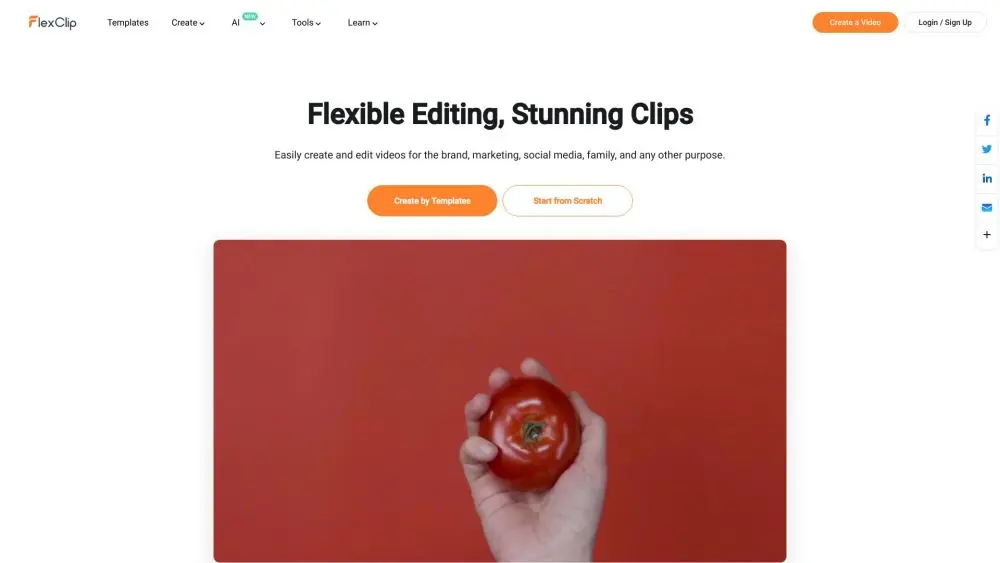
What if creating a professional video didn't require mastering complex software? FlexClip is an all-in-one online video editor that leverages AI to simplify the entire process. Despite a recent traffic decline potentially linked to affiliate network changes, it remains a robust platform designed for users of all skill levels to produce high-quality content efficiently.
Key Features
- AI Video Generator: Transforms text prompts or scripts into complete video sequences, automating scene selection and pacing to create a coherent narrative from a simple idea.
- Rich Media Library: Provides access to a vast repository of over 4 million stock videos and images, plus thousands of music tracks and sound effects for diverse content needs.
- Template-Based Creation: Offers thousands of pre-designed, customizable templates for various industries and occasions, significantly speeding up the initial design process.
- Collaborative Workspace: Enables teams to work together on projects in real-time with cloud storage, allowing for seamless access and editing across different devices.
- Comprehensive Editing Suite: Includes essential tools for trimming, merging, reversing clips, adjusting speed, and adding text, subtitles, music, and custom voiceovers.
- AI-Powered Enhancements: Features like automatic subtitle generation, text-to-speech narration, and AI background removal streamline tedious post-production tasks.
Pros
- Accessibility for Beginners: The intuitive, browser-based interface requires no prior editing experience, allowing anyone to start creating videos immediately.
- AI-Driven Efficiency: Automates time-consuming tasks like subtitle generation and background removal, freeing up creators to focus on storytelling and branding.
- Extensive Asset Library: A massive built-in collection of stock media eliminates the need for users to source their own clips, images, and music from external sites.
- Cost-Effective Solution: Offers a robust free plan and affordable subscriptions, providing strong value compared to expensive desktop software licenses.
- Collaboration Features: Cloud-based project saving and team workspaces make it ideal for marketing teams and remote collaborators to work together seamlessly.
Cons
- Internet Dependency: As a fully online tool, a stable and relatively fast internet connection is mandatory for uploading media and rendering final video exports.
- Advanced Feature Limitations: While excellent for quick and professional edits, it may lack the granular control and advanced features required by high-end professional videographers.
- Performance with Large Files: Editing very high-resolution or exceptionally long video files within a browser can sometimes lead to slower performance or longer processing times.
- Output Quality on Free Plan: Exports on the free tier are limited to lower resolutions, which may not be suitable for all professional or large-screen applications.
Use Cases
- Social Media Marketing: Quickly producing engaging, platform-optimized content for stories, reels, and ads using trendy templates and seamless editing tools.
- Small Business Promotion: Creating affordable, high-quality promotional videos, product demos, and customer testimonials without a dedicated video production budget.
- Educational Content: Teachers and educators developing clear, engaging lesson materials and presentations enhanced with stock footage, voiceovers, and annotations.
- Internal Communications: HR and management teams producing training videos, company announcements, and onboarding materials with a consistent and professional look.
- Personal Projects: Crafting personalized videos for events like weddings, birthdays, and vacations by easily combining personal clips with professional templates and music.
Conclusion
FlexClip successfully demystifies video creation, offering a powerful yet accessible suite of AI and editing tools that cater to casual users and businesses alike.
Frequently Asked Questions
Yes, exports from the free plan typically include a FlexClip watermark. Removing the watermark requires upgrading to a paid subscription plan.
FlexClip supports exporting videos in up to 4K resolution, but this high-quality output is generally a feature reserved for its paid subscription tiers.
Absolutely. You can upload your own audio files, record a voiceover directly within the editor, or choose from the platform's extensive library of royalty-free music.
No, FlexClip is a completely web-based application. You only need a modern web browser and an internet connection to access and use all its features.
Yes, the millions of stock videos, images, and music tracks within FlexClip's integrated library are licensed for commercial use within projects created on the platform.
Yes, paid plans include collaborative features that allow you to invite team members to view, edit, and comment on projects in real-time.