

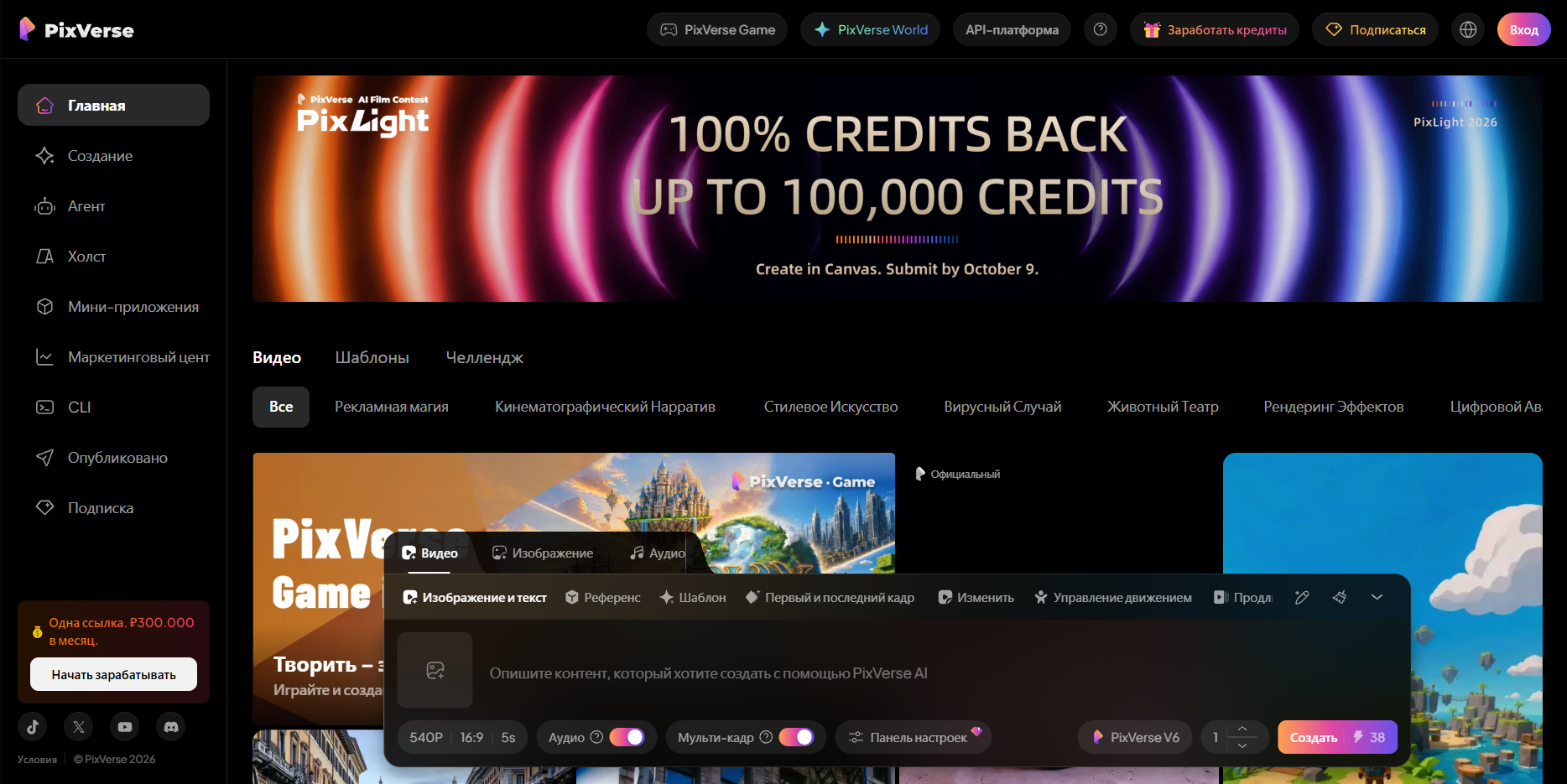
Overview
What if a single text prompt could generate a complete short film with expressive characters, dynamic camera work, and a synchronized soundtrack? PixVerse V6 is a cutting-edge generative video AI that transforms creative ideas into coherent, multi-shot video narratives, moving far beyond simple animation into the realm of AI-powered filmmaking.
Key Features
- Multi-Shot Narrative Generation: Creates complete short films with multiple scenes and shots from a single prompt, automatically sequencing events for a coherent visual story without manual editing.
- Integrated Audio Generation: Produces synchronized soundtracks and sound effects that are embedded directly into the video output, enhancing the immersive experience without requiring separate tools.
- Precise Camera Control: Offers dynamic control over virtual camera movements, including pans, zooms, and tracking shots, to create cinematic footage with professional-grade framing and motion.
- Expressive Character Acting: Animates characters with nuanced emotions and realistic movements, ensuring they convey specific feelings and intentions through their actions and facial expressions.
- Seamless Multi-Language Text Integration: Effortlessly incorporates on-screen text and subtitles in various languages, with smooth rendering that blends naturally into the video's visual composition.
- High-Resolution Video Output: Generates videos in high definition, ensuring clarity and detail suitable for professional use on social media, presentations, and digital platforms.
- Advanced Prompt Understanding: Interprets complex and descriptive text prompts with a high degree of accuracy, translating detailed scene descriptions into corresponding visual elements.
- Rapid Generation Speed: Produces video content significantly faster than traditional animation or video production methods, streamlining the content creation workflow.
Pros
- Unmatched Narrative Depth: Excels at creating videos with a clear beginning, middle, and end, setting it apart from tools that only produce short, looping clips or single scenes.
- All-in-One Production: Eliminates the need for multiple software by combining video generation, editing, and sound design into a single, streamlined workflow within the platform.
- High Cinematic Quality: Delivers professional-level output with intentional camera work and character expression that rivals basic manual animation, saving significant time and resources.
- Intuitive Creative Process: Lowers the barrier to video production, allowing writers, marketers, and creators without technical video skills to visualize their ideas directly from text.
- Global Accessibility: Multi-language support for both audio and text makes it a powerful tool for creating content aimed at international audiences and non-English markets.
- Consistent Character Rendering: Maintains character appearance and style across different shots and scenes within a single generated video, ensuring visual continuity.
Cons
- Paid Access Requirement: Operates on a credit-based or subscription model, requiring financial investment to generate videos, with no free tier available for unlimited use.
- Potential for AI Artifacts: As with all generative models, outputs can occasionally contain visual glitches, unnatural movements, or inconsistencies that may require regeneration or editing.
- Limited Customization Post-Generation: While the prompt offers control, fine-tuning specific elements frame-by-frame after generation may be limited compared to traditional editing software.
- Computational Resource Dependency: The quality and speed of generation are dependent on the platform's servers, meaning performance can vary during peak usage times.
- Learning Curve for Optimal Prompts: Achieving the desired results requires learning how to craft effective, detailed prompts, which can involve experimentation and practice for new users.
Use Cases
- Social Media Content Creation: Ideal for generating engaging, short-form narrative videos for platforms like TikTok, Instagram Reels, and YouTube Shorts quickly and at scale.
- Concept Visualization and Storyboarding: Writers and directors can use it to rapidly prototype scenes, visualize characters, and create dynamic storyboards for films, games, or commercials.
- Multilingual Marketing and Explainer Videos: Businesses can create product demos and adverts with integrated text and audio in various languages, streamlining international marketing campaigns.
- Educational and Training Content: Educators and trainers can transform complex concepts or historical events into easy-to-understand animated narratives to enhance learning engagement.
- Prototyping for Game Cinematics: Game developers can quickly generate concept cutscenes and narrative sequences to pitch ideas and visualize story elements before committing to full production.
- Personalized Video Messages: Creating unique, animated birthday cards, invitations, or messages featuring custom characters and inside jokes for a novel personal touch.
- Rapid Ideation for Animation Studios: Serves as a powerful brainstorming tool for animation teams to experiment with character designs, shot compositions, and story ideas before full production.
Quick Start Guide
1. Craft a detailed text prompt describing your scene, including characters, actions, camera angles, and desired mood. 2. Submit the prompt to the PixVerse V6 platform and select any available advanced settings. 3. Review the generated multi-shot video, and if needed, refine your prompt to adjust the output before finalizing.
Conclusion
PixVerse V6 represents a significant leap forward in generative video technology, moving from simple animation to true AI-assisted filmmaking. Its ability to generate coherent narratives with audio and dynamic camera work in a single step is its most compelling advantage. It is highly recommended for content creators, marketers, and storytellers who need to produce engaging video content rapidly and without a large production budget. While mastering the art of the prompt is crucial, the tool democratizes high-quality video production. For best results, start with clear, descriptive prompts and use it as a powerful first draft generator for your visual ideas.
Frequently Asked Questions
While the exact maximum duration can vary, generative video tools like this typically produce clips ranging from a few seconds to short sequences. For multi-shot narratives, expect concise short films perfect for social media formats rather than feature-length content.
Many advanced generative video platforms offer image-to-video functionality. It is likely that PixVerse V6 allows users to upload an image to animate or use as a base for generating consistent characters throughout a video sequence.
Yes, most sophisticated text-to-video generators include style modifiers. You can typically specify styles like 'photorealistic', 'anime', '3D animation', 'oil painting', or 'cyberpunk' in your prompt to guide the visual output.
As a paid tool, it likely operates on a credit-based system (purchasing packs of credits for a set number of generations) or a subscription model (monthly fee for a certain number of videos). Specific tiers would be listed on the official website.
You can expect standard video export options, likely including MP4 format. Resolutions probably range up to 1080p (HD) or potentially 4K, depending on the subscription plan or credit package used for the generation.
Paid tools typically offer watermark-free exports on all content generated under a paid plan. Free trials or certain credit packs might include a watermark, but this is standard for the tier.
Most AI generation platforms grant the user a license to use the generated content for commercial purposes. However, it is always critical to review the platform's specific Terms of Service to understand the scope of your license and any limitations.


