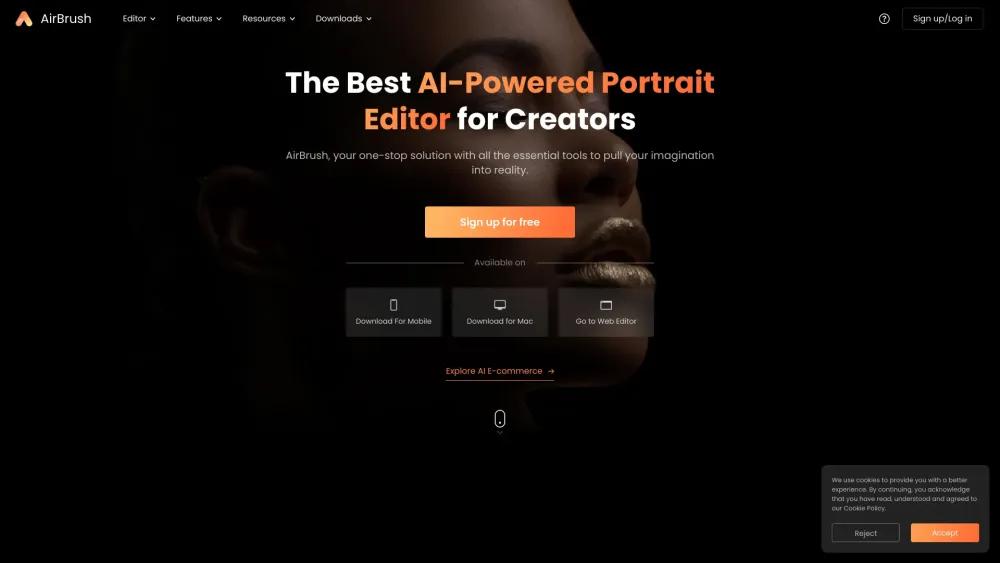
Overview
Ever taken a near-perfect photo, only to have it ruined by a photobomber, bad lighting, or a cluttered background? Manually fixing these issues is a time-consuming chore. AirBrush is an AI-powered photo and video editor designed to handle these tasks instantly, making professional-grade retouching accessible to everyone, not just graphic designers.
Key Features
- AI Retouch: Instantly smooths skin, removes blemishes, and enhances facial features with a single click, delivering a natural, polished look without manual brushing or complex sliders.
- Object Removal: Effortlessly erase unwanted objects, people, or text from your images. The AI intelligently fills the space with a context-aware background for a seamless finish.
- Background Removal: Create perfect cutouts in seconds. This tool cleanly separates the subject from its background, ideal for product photos or creating composite images.
- Batch Editing: Apply the same set of edits or filters to a large number of photos simultaneously, saving immense time and ensuring consistency across all your images.
- Beautification Tools: Offers a suite of features specifically for portraits, including teeth whitening, makeup application, reshaping features, and red-eye correction.
- AI Filters & Effects: Go beyond basic filters with AI-generated styles and artistic effects that intelligently adapt to the content of your photo for a unique look.
- Video Editing: Extends its AI capabilities to short video clips, allowing for background changes, object removal, and beauty enhancements on moving footage.
- Cloud-Based Processing: All editing is done online, requiring no powerful computer or software downloads. Process images from any device with a web browser.
Pros
- User-Friendly Interface: The platform is designed for simplicity, allowing beginners to achieve complex edits without a steep learning curve or prior editing experience.
- Speed and Efficiency: AI automation performs tasks like object removal or background changes in seconds, drastically reducing editing time compared to manual methods.
- High-Quality Results: For most common use cases, the AI generates surprisingly clean and realistic edits, making it a powerful tool for quick social media content creation.
- Accessibility: Being free to start and web-based means anyone with an internet connection can access professional editing tools without financial or hardware barriers.
- Comprehensive Toolset: It consolidates multiple editing needs—retouching, object removal, background change—into a single, cohesive platform, eliminating app switching.
- Regular Updates: As an online service, it frequently receives new AI features, filters, and improvements without requiring user action to update.
Cons
- Internet Dependency: Requires a stable and reasonably fast internet connection for all functionality, as all processing is done on the company's servers.
- Privacy Considerations: Uploading personal or sensitive photos to a third-party cloud service may be a concern for some users, despite company privacy policies.
- Limited Control on Free Tier: Advanced features and higher-resolution exports are typically locked behind a subscription, limiting serious users on the free plan.
- Output Can Be Inconsistent: While often impressive, AI results can sometimes be imperfect, especially with complex scenes, requiring a manual touch-up in another editor.
- Watermarks on Free Exports: Exported images or videos from the free version may include a company watermark, diminishing the professional quality of the output.
Use Cases
- Social Media Influencers: Quickly create a large volume of polished, aesthetically consistent content for platforms like Instagram and TikTok, enhancing their personal brand.
- E-commerce Product Photography: Small business owners can easily remove backgrounds, clean up images, and create uniform product galleries without hiring a professional editor.
- Real Estate Agents: Enhance property photos by removing clutter, correcting lighting, and making spaces look more inviting and spacious for online listings.
- Personal Photo Enhancement: The average user can effortlessly retouch family portraits, vacation photos, and selfies for sharing with friends and family online.
- Content Creators & Bloggers: Generate custom thumbnails, edit promotional images, and create visual content for websites and articles quickly and cost-effectively.
- Recruitment and Professional Networking: Refine profile pictures for LinkedIn and other professional networks to ensure a polished and approachable first impression.
Quick Start Guide
1. Go to the AirBrush website and upload your photo or video. 2. Select the desired tool from the sidebar, such as 'Retouch' or 'Remove Object'. 3. Adjust any available settings or simply apply the effect. 4. Preview the result and download your edited file, choosing your preferred resolution.
Conclusion
AirBrush successfully democratizes advanced photo editing by leveraging AI to automate tedious tasks. It is an exceptional tool for individuals and small businesses that need to produce high-quality visual content quickly without investing in expensive software or developing specialized skills. Its main strengths are speed and ease of use. However, for professionals requiring pixel-perfect precision and full creative control, it should be considered a powerful supplement to, not a replacement for, traditional desktop editing suites like Photoshop. It is highly recommended for social media managers, influencers, and online sellers.
Frequently Asked Questions
Yes, AirBrush operates on a freemium model. A free plan is available with access to core tools, but it typically includes limitations like watermarks on exports, lower resolution downloads, and restricted access to premium filters and features.
Subscription plans (e.g., monthly or annual) generally remove watermarks, allow for full-resolution exports, provide access to all premium filters and effects, and may offer priority processing speeds. Exact details are available on their official website.
Yes, AirBrush offers mobile applications for both iOS and Android devices, providing many of the same AI-powered editing features found on the web platform in a portable format.
It supports common image formats like JPG and PNG for import. Exports are typically available in the same format as the original upload, with options for different quality and resolution settings.
Uploaded images are processed on their servers to perform the edits. It is advisable to review the company's privacy policy to understand how long data is retained and whether it is used for any other purposes, such as training their AI models.
Generally, yes. Edited images created with the tool can typically be used for commercial purposes like marketing and e-commerce. However, it is always prudent to review the Terms of Service for any specific restrictions.
The free version often has a limit on the number of edits or exports you can perform per day. These limits are usually lifted for subscribed users.